
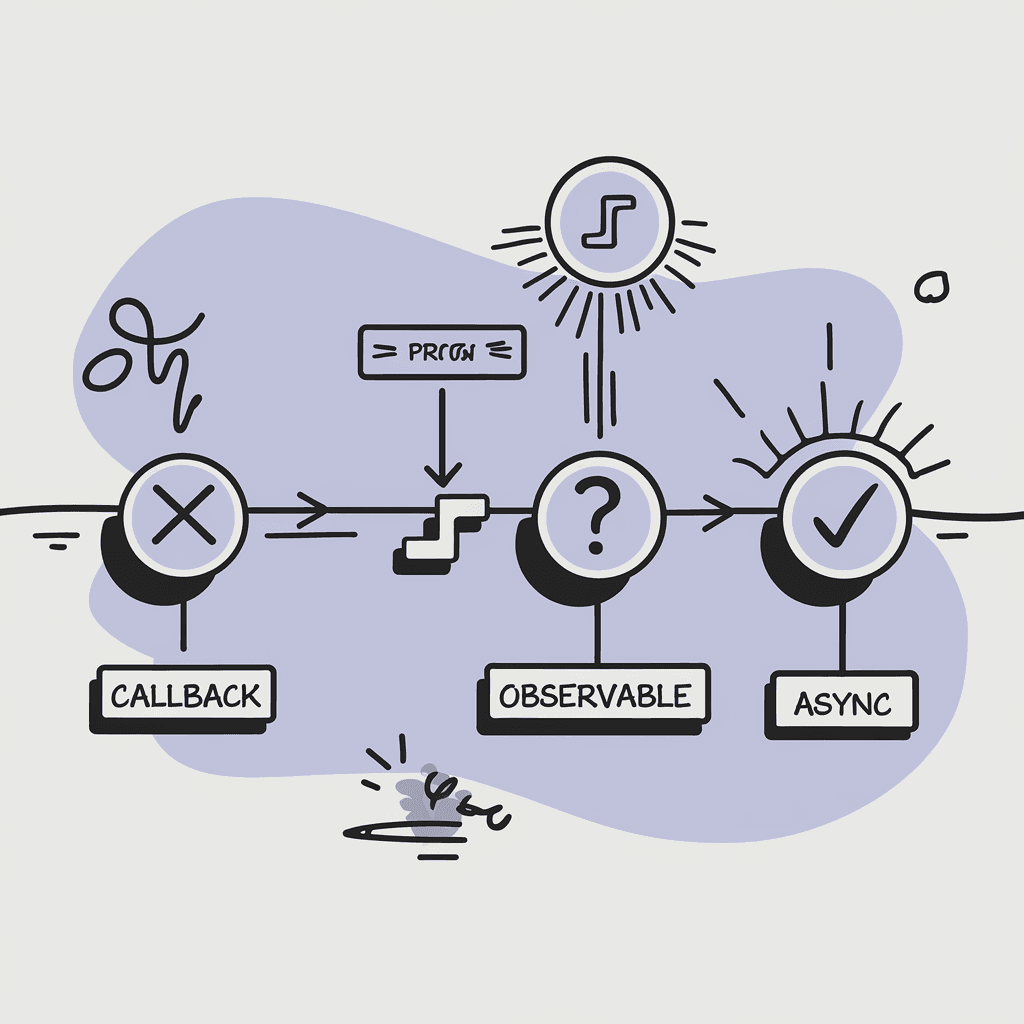
The first time I built a streaming interface, I reached for what I knew: callbacks. Every time the server sent an event, my callback fired and updated the DOM. It worked. It was also a nightmare to debug, impossible to cancel cleanly, and fell apart the moment I tried to add error handling.
Then I tried Observables. RxJS gave me operators and composability, but it also gave me a learning curve steep enough to require supplemental oxygen. My teammates looked at the code like I'd written it in Sanskrit.
AsyncGenerators solved both problems. They're native JavaScript, they work with for await...of loops, and they handle the hard parts—backpressure, cancellation, error propagation—without requiring a PhD in reactive programming.
Here's the thing about streaming UIs: they're becoming the default interface for AI applications. When users interact with an LLM, they expect to see tokens arrive in real-time. They expect reasoning steps to materialize incrementally. And they expect to be able to cancel a response that's going off the rails.
If you're building these interfaces in React, you need to understand AsyncGenerators. Not because they're trendy, but because they're the right tool for the job.
The Evolution of Async Patterns
Before diving into AsyncGenerators, it helps to understand why the older patterns fall short.
Callbacks: The Original Sin
Callbacks work fine for one-off events. Click handlers. Form submissions. Single API responses. But streaming is different. Streaming means handling many events over time, in order, with the ability to stop at any point.
// This works... barely
fetchStream('/api/stream', {
  onData: (chunk) => setMessages(prev => [...prev, chunk]),
  onError: (err) => setError(err),
  onComplete: () => setLoading(false)
});
// But how do you cancel it?
// How do you pause it?
// How do you retry on error?
The problem with callbacks is inversion of control. The stream calls you. You don't call the stream. This makes it hard to reason about the flow of data, and harder still to compose multiple streams together.
Promises: One and Done
Promises solved callback hell, but they're designed for single values. A Promise resolves once and then it's done. You can't resolve a Promise multiple times, which means you can't use Promises to model a stream of events.
// Promises are for single values
const data = await fetch('/api/data');
// What if /api/stream sends 100 events?
// You can't await them one at a time with plain Promises
Observables: Power at a Price
RxJS and similar libraries introduced Observables, which can emit multiple values over time. Observables are powerful. They have operators for mapping, filtering, debouncing, and combining streams in ways that would be painful to implement from scratch.
But that power comes with complexity. Observables have their own vocabulary—subjects, operators, schedulers, hot vs cold. The mental model is different from the rest of JavaScript. When you use Observables, you're essentially adopting a framework within your framework.
// Observables are powerful but complex
source$.pipe(
  filter(event => event.type === 'reasoning'),
  map(event => event.data),
  takeUntil(cancel$),
  catchError(err => of({ error: err }))
).subscribe({
  next: (data) => setReasoning(prev => [...prev, data]),
  error: (err) => setError(err),
  complete: () => setLoading(false)
});
There's nothing wrong with this code. But if half your team doesn't know RxJS, you've just created a knowledge bottleneck.
AsyncGenerators: The Sweet Spot
AsyncGenerators hit a sweet spot between the simplicity of callbacks and the power of Observables. They're native JavaScript, so there's no library to install. They work with async/await, so they fit naturally into modern React code. And they handle the hard problems—backpressure, cancellation, error handling—in a way that's explicit and debuggable.
Here's what an AsyncGenerator looks like:
async function* createReasoningStream(
  config: StreamConfig
): AsyncGenerator<StreamEvent, void, undefined> {
  for (const event of fixtureEvents) {
    // Simulate network latency
    await delay(config.delayMs);
    // Yield pauses execution and returns a value
    yield event;
  }
}
The function* syntax with async creates an AsyncGenerator. The yield keyword is the magic. It pauses the generator and returns a value to whoever is consuming it. When the consumer asks for the next value, the generator resumes from where it left off.
On the consumer side, you use for await...of:
const stream = createReasoningStream({ delayMs: 300 });
for await (const event of stream) {
  console.log(event.type, event.data);
}
That's it. No .subscribe(). No .pipe(). Just a loop.
Why This Matters for React
React applications have a particular challenge with streaming: component lifecycle. When a component unmounts while a stream is active, you need to stop the stream and clean up any pending state updates. Otherwise you get the dreaded "Can't perform a state update on an unmounted component" warning.
AsyncGenerators handle this gracefully through their return() method:
function useReasoningStream(prompt: string, options?: StreamOptions) {
  const [reasoning, setReasoning] = useState<ReasoningStep[]>([]);
  const [answer, setAnswer] = useState('');
  const [isStreaming, setIsStreaming] = useState(false);
  useEffect(() => {
    const abortController = new AbortController();
    setIsStreaming(true);
    async function consume() {
      const stream = createReasoningStream({
        prompt,
        speed: options?.speed ?? 'normal',
      });
      for await (const event of stream) {
        // Check if we should stop
        if (abortController.signal.aborted) return;
        switch (event.type) {
          case 'reasoning':
            setReasoning(prev => [...prev, event.data]);
            break;
          case 'answer':
            setAnswer(prev => prev + event.data.text);
            break;
        }
      setIsStreaming(false);
    }
    consume();
    // Cleanup: abort when component unmounts
    return () => abortController.abort();
  }, [prompt, options?.speed]);
  return { reasoning, answer, isStreaming };
}
The AbortController pattern works because when you break out of a for await...of loop, the generator's return() method is called automatically. This triggers the finally block in the generator, allowing cleanup code to run.
Backpressure: The Unsung Feature
One of the subtle advantages of AsyncGenerators is backpressure. In reactive streams, backpressure refers to the ability of a slow consumer to signal to a fast producer that it should slow down.
With callbacks or Observables, the producer controls the pace. If the producer emits events faster than the consumer can process them, you either buffer events (memory problem) or drop them (data loss problem).
AsyncGenerators flip this around. The consumer pulls values from the generator by calling next(). The generator doesn't produce the next value until the consumer is ready for it. This is implicit backpressure—the consumer's processing speed naturally throttles the producer.
// The generator waits for the consumer
for await (const event of stream) {
  // This processing takes 500ms
  await heavyProcessing(event);
  // The generator won't yield the next event
  // until we come back around to the for-await
}
This matters less for UI streaming where events arrive from a server, but it matters a lot for local data processing pipelines. If you're transforming a large dataset through multiple stages, AsyncGenerators ensure you don't overwhelm memory.
Error Handling That Makes Sense
Error handling in AsyncGenerators works exactly like you'd expect from async/await:
async function* createReasoningStream(config: StreamConfig) {
  try {
    for (const event of fixtureEvents) {
      await delay(config.delayMs);
      // Errors propagate to the consumer
      if (event.type === 'error') {
        throw new Error(event.data.message);
      }
      yield event;
    }
  } finally {
    // Cleanup runs whether we complete, error, or get cancelled
    console.log('Stream cleanup');
  }
}
// Consumer handles errors with try/catch
try {
  for await (const event of stream) {
    processEvent(event);
  }
} catch (error) {
  showErrorToUser(error);
}
Compare this to Observable error handling, where you need to decide between catchError (which replaces the error stream), retry (which restarts the stream), or the error callback in subscribe. AsyncGenerators just use try/catch. If you know JavaScript, you already know how to handle errors.
TypeScript Types for Generators
AsyncGenerators have a reputation for being hard to type in TypeScript. The generic signature looks intimidating:
AsyncGenerator<YieldType, ReturnType, NextType>
But in practice, you almost always use this pattern:
async function* myGenerator(): AsyncGenerator<MyEvent, void, undefined> {
  // YieldType: what you yield (MyEvent)
  // ReturnType: what you return at the end (void = nothing)
  // NextType: what the consumer passes to next() (undefined = nothing)
  yield { type: 'event', data: 'hello' };}
For streaming UI patterns, you yield events and return nothing. The consumer never passes data back to the generator. So the signature is almost always AsyncGenerator<YourEventType, void, undefined>.
When Not to Use AsyncGenerators
AsyncGenerators aren't always the right choice. Here are some cases where other patterns make more sense:
WebSockets with server push: If the server is pushing events and you have no control over timing, an event emitter or Observable might be more appropriate. AsyncGenerators work best when you control when to pull the next value.
Complex event composition: If you need to merge multiple streams, debounce events, or apply sophisticated transformations, RxJS operators are hard to beat. You can wrap an AsyncGenerator in an Observable if needed.
Simple one-shot requests: If you're just fetching data once, use regular async/await with Promises. Don't overcomplicate it.
Shared streams with multiple subscribers: AsyncGenerators are single-consumer. If multiple components need to subscribe to the same stream, you need either a different pattern or a wrapper that multicasts the generator's output.
Try It
AsyncGenerators are one of those patterns that clicks once you see it in action. The full implementation is live at Streaming Patterns, where you can watch the Chain-of-Reasoning demo stream events in real-time. The Network Inspector shows each event as it arrives, so you can see exactly how the generator yields values over time.
The pattern works for any streaming UI: chat interfaces, progress indicators, real-time dashboards, AI reasoning chains. Once you understand how yield pauses the generator and for await...of resumes it, you have a mental model that applies everywhere.
---
If you want to go deeper on AI streaming patterns and how to implement them in React, I put together a free study guide covering the fundamentals. Grab the AI Study Guide here.