
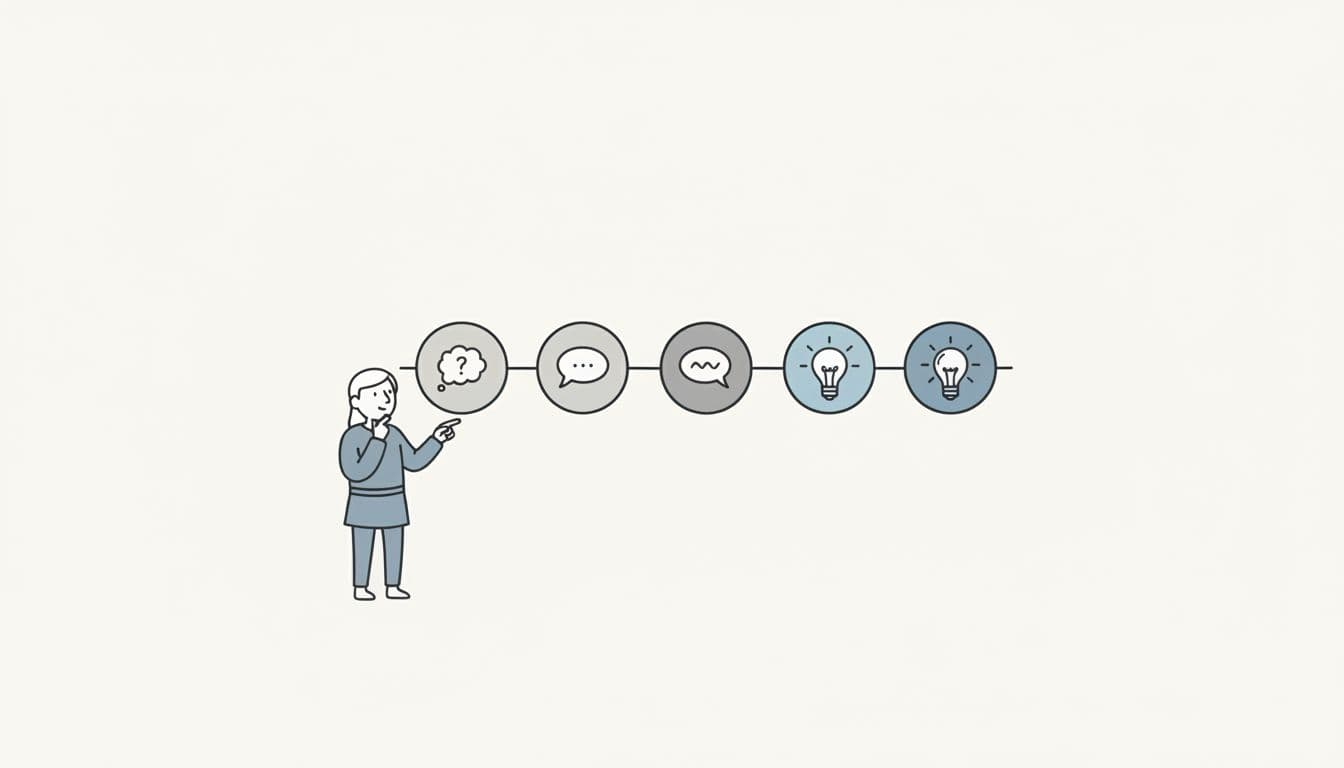
When ChatGPT first launched, the magic was in the waiting. You'd type a question and watch the response materialize word by word, like a ouija board operated by a very articulate ghost. The streaming text created an illusion of thinking—even though the model was just predicting the next token.
But here's the thing about illusions: once you see through them, they stop working.
Users have grown sophisticated. They no longer believe the AI is "thinking" just because text streams across the screen. They want to see the reasoning. Not the answer, but how the AI got there.
This is the Chain-of-Reasoning pattern. And if you're building AI features in React, you need to understand it.
The Problem: Black Box Outputs
Consider a typical AI assistant interaction. A product manager asks: "Help me plan a 2-week sprint." The AI responds with a sprint plan. It might be a good plan. It might be garbage. The user has no way to evaluate it, because they can't see how the AI prioritized tasks, what constraints it considered, or why certain items landed in week one versus week two.
This creates a trust problem. If users can't understand how the AI arrived at its conclusion, they can't calibrate their trust appropriately. They either over-trust (accepting bad recommendations) or under-trust (ignoring good ones).
The fix isn't better prompts. The fix is transparent reasoning.
The Pattern: Streaming Reasoning Steps
The Chain-of-Reasoning pattern makes AI thinking visible by streaming discrete reasoning steps before the final answer. Each step has a summary, a confidence level, and optional details. Users watch the AI "think" through the problem, building trust incrementally.
The stream contract looks like this:
interface ReasoningEvent {
  type: 'reasoning';
  data: {
    id: string;
    summary: string;
    confidence: number;
    details?: string;
    timestamp: number;
  };
}
interface AnswerEvent {
  type: 'answer';
  data: {
    text: string;
    isFinal: boolean;
  };
}
type StreamEvent = ReasoningEvent | AnswerEvent;
The stream lifecycle is simple: reasoning events first, then answer events. The UI renders each reasoning step as it arrives, creating a visual "chain" that users can follow.
START
  ├─ reasoning event (step 1)
  ├─ reasoning event (step 2)
  ├─ reasoning event (step 3)
  ├─ answer event (chunk 1)
  ├─ answer event (chunk 2, isFinal: true)
END
The Implementation: AsyncGenerators and React Hooks
The technical foundation of this pattern is the AsyncGenerator. If you're not familiar with generators, they're functions that can pause and resume execution, yielding values along the way.
async function* createReasoningStream(
  config: StreamConfig
): AsyncGenerator<StreamEvent, void, undefined> {
  // Stream each reasoning step
  for (const step of reasoningSteps) {
    await delay(config.delayMs);
    yield {
      type: 'reasoning',
      data: step
    };
  }
  // Stream the answer
  for (const chunk of answerChunks) {
    yield {
      type: 'answer',
      data: chunk
    };
  }
}
The yield keyword is the key. It pauses execution and returns a value to the consumer. The consumer can then process that value and call next() to resume the generator.
On the React side, we consume the generator with a custom hook:
function useReasoningStream(prompt: string, options?: StreamOptions) {
  const [reasoning, setReasoning] = useState<ReasoningStep[]>([]);
  const [answer, setAnswer] = useState('');
  const [isStreaming, setIsStreaming] = useState(false);
  useEffect(() => {
    const abortController = new AbortController();
    setIsStreaming(true);
    async function consume() {
      const stream = createReasoningStream({
        prompt,
        speed: options?.speed ?? 'normal',
      });
      for await (const event of stream) {
        if (abortController.signal.aborted) return;
        switch (event.type) {
          case 'reasoning':
            setReasoning(prev => [...prev, event.data]);
            break;
          case 'answer':
            setAnswer(prev => prev + event.data.text);
            break;
        }
      }
      setIsStreaming(false);
    }
    consume();
    return () => abortController.abort();
  }, [prompt, options?.speed]);
  return { reasoning, answer, isStreaming };
}
The for await...of loop is syntactic sugar for consuming async iterators. Each yield from the generator becomes a value in the loop. When the generator is exhausted, the loop exits.
The critical detail here is the abortController. If the component unmounts while the stream is active, we abort the stream and stop updating state. This prevents the dreaded "Can't perform a state update on an unmounted component" warning.
The UI: Rendering the Chain
With the hook in place, rendering becomes straightforward:
function ChainOfReasoningDemo() {
  const { reasoning, answer, isStreaming } = useReasoningStream(
    'Plan a 2-week sprint for our mobile app team'
  );
  return (
    <div>
      <ReasoningChain steps={reasoning}
      {answer && <AnswerDisplay text={answer}
      {isStreaming && <StreamingIndicator />}
    </div>
  );
}
function ReasoningChain({ steps }: { steps: ReasoningStep[] }) {
  return (
    <div className="reasoning-chain">
      {steps.map(step => (
        <div key={step.id} className="reasoning-step">
          <span className="confidence">{Math.round(step.confidence * 100)}%</span>
          <span className="summary">{step.summary}</span>
        </div>
      ))}
    </div>
  );
}
Each reasoning step appears as a "bead" in the chain. Users can watch the beads accumulate, seeing the AI work through the problem. The confidence scores give users a sense of how certain the AI is about each step.
Why This Matters
The Chain-of-Reasoning pattern does three things that plain streaming doesn't:
1. Builds calibrated trust. Users can see which reasoning steps have high confidence and which are speculative. They can adjust their trust accordingly, rather than accepting or rejecting the output wholesale.
2. Enables debugging. When the AI produces a bad answer, users can identify which reasoning step went wrong. "It analyzed the backlog correctly, but it missed the dependency between tasks 3 and 7." This feedback loop is impossible with black-box outputs.
3. Creates engagement. Watching reasoning steps unfold is inherently more engaging than waiting for text to stream. Users feel like active participants in the thinking process, not passive recipients of an answer.
Use Cases
The pattern works well for any task where the reasoning is as valuable as the answer:
- Sprint planning: Show prioritization logic, dependency analysis, capacity calculations
- Code review: Show what files were examined, what patterns were detected, what concerns were identified
- Research synthesis: Show which sources were consulted, how they were weighted, what contradictions were resolved
- Diagnostic troubleshooting: Show what symptoms were analyzed, what was ruled out, what tests would confirm the diagnosis
The pattern works poorly for simple, fast tasks where reasoning overhead would be annoying. Don't use it for autocomplete suggestions or quick lookups.
Try It
The full implementation is available in the Streaming Patterns library. You can see the Chain-of-Reasoning demo in action, including the reasoning beads, confidence indicators, and the Network Inspector that shows events in real-time.
The pattern directory includes:
- hooks.ts — The useReasoningStream hook with retry logic and error handling
- mockStream.ts — AsyncGenerator implementation with configurable delays
- ChainOfReasoningDemo.tsx — Full demo component with styling
- ReasoningBeadline.tsx — The reasoning step visualization component
Clone the repo and run npm run dev to see it in action.
---
If you want to go deeper on AI/UX patterns and how to implement them in production React apps, I put together a free study guide covering the fundamentals. Grab the AI Study Guide here.